The app

The tool for lap tracking on site.

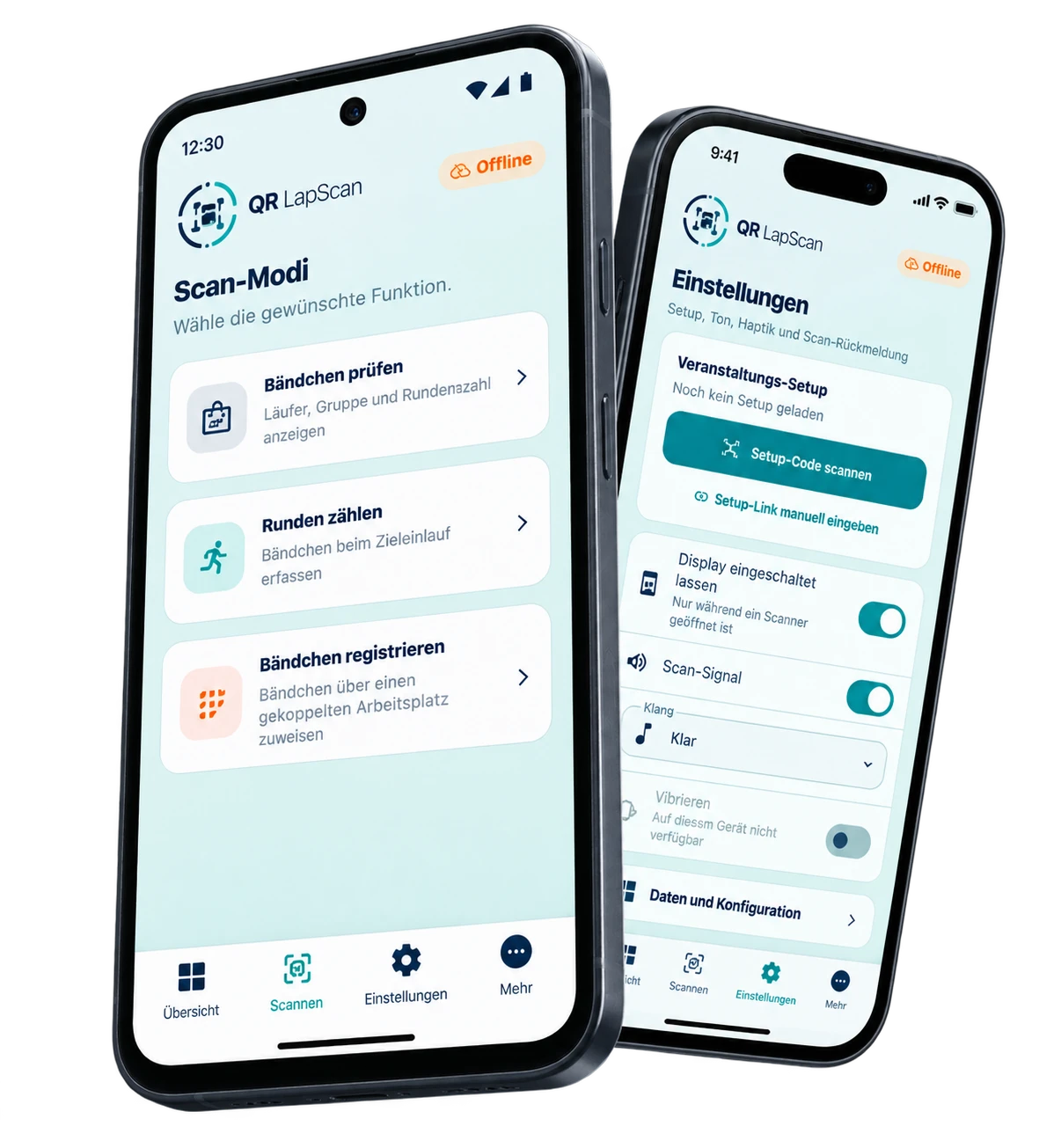
The QR LapScan app turns everyday iOS and Android smartphones into scanners for your event, no dedicated scanner hardware and no personal account per helper. Helpers scan QR wristbands, count laps, and can assign QR codes to runners right on site.

Download on the App Store Get it on Google Play iOS app now available on the App Store. Android release is coming.
QR LapScan app on an Android and an iOS smartphone
Setup

Set up once. Get going right away.

An authorized person shares the setup QR code or setup link together with the password, for example with all helpers before the event. This works on personal smartphones too, and the app can simply be uninstalled again after the event.

  • No sign-up, no registration, no login needed
  • Load the setup, enter the password, done
  • Then pair right away or start scanning laps immediately
Three features

What the app does on site.

Count laps

Every valid scan counts one lap. Scans are stored directly on the smartphone, so no permanent internet connection is needed at the scan point. Accidental double scans are caught automatically, even across a data sync, and a sound plus a tap confirm every recorded lap. Even if the app needs to restart, already-recorded laps are kept until they're fully transmitted.

For helpers on the course: scan a wristband, lap recorded automatically.

Try it in the sandbox →

Look up a QR code

Scan a QR code and instantly see the runner, group, and current lap count on the display. This requires an internet connection, since the current data is fetched from the portal.

For checks and support right on the course or at an info point.

Try it in the sandbox →

Assign a QR code

The smartphone becomes a wireless scanner for a station in the portal. Scan a QR wristband and assign it directly to the selected runner, no extra handheld scanner and no cable. This also requires an internet connection.

For registration and late sign-ups: assign prepared wristbands to a runner flexibly on site, without sorting them beforehand.

Try it in the sandbox →